 Routinewheel
Give a macro a key
Start a macro from any program with one keyboard shortcut. 0:54
Read what the video says
Once you have a macro, give it a key. Then you can start it from any program, without opening Routinewheel.
Go to the Keyboard page, and click the key you want. We'll use D.
Pick what goes with it. Control and Alt with a letter is the safest choice, because other programs rarely use it.
If a key is already taken by Windows or another program, this page tells you, so you can pick a different one.
Under What should it do, choose Run a macro.
Then pick your macro from the list.
Only in lets a key work in just one program, like Excel. Leave it empty to use the key everywhere.
Press Save.
Now press Control, Alt and D in any program, and your macro runs.
If a key does nothing, another program may be using it first. Pick another key. On a laptop, the F keys may need F N lock turned on.
You'll find more short videos at routinewheel dot com, slash learn.
Step by step
- Go to Keyboard and click a key on the picture.
- Under Together with, pick Ctrl and Alt. Ctrl+Alt with a letter is the safest choice.
- Under What should it do?, choose Run a macro, then pick your macro.
- To use the key in just one program, fill in Only in…. Leave it empty for everywhere.
- Press Save. Now press the keys in any program.
If it doesn’t work
- The key does nothing: another program may use it first. The Keyboard page warns you about keys that are taken. Pick another one.
- On a laptop, the F-keys may need Fn Lock turned on.
- Programs started with “Run as administrator” ignore keys from other programs, so a macro can't control them.
- To change or remove a key, click it again on the Keyboard page.
Still stuck? Write to us, or in Routinewheel use Ideas & help › Report a problem.
More videos
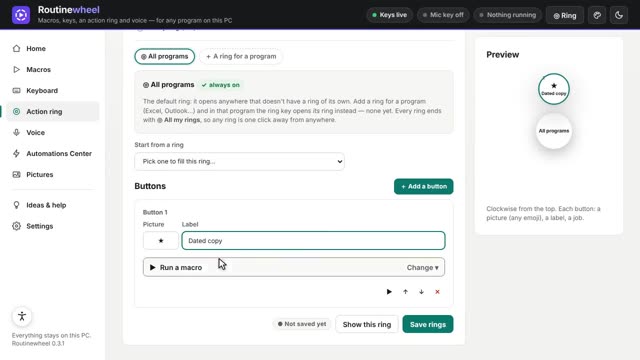 0:53
0:53Use the Action ring
One key opens a circle of your jobs right at your mouse, in any program.
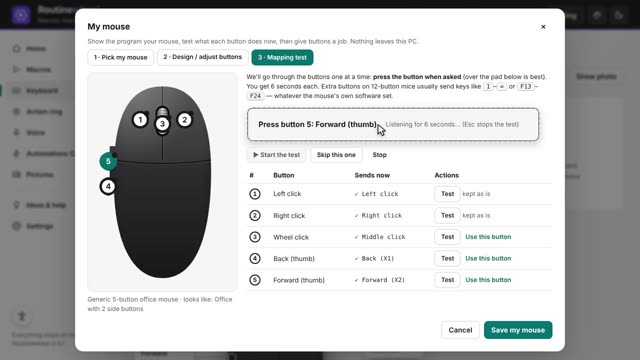 1:00
1:00Give your mouse buttons a job
Set up your mouse, test its buttons, and turn a side button into a shortcut.
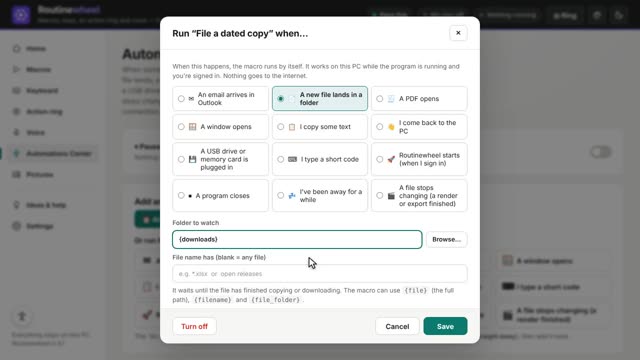 1:07
1:07Run a macro by itself
The Automations Center starts a macro when something happens: a file lands, a window opens, or a set time.